> ## Documentation Index
> Fetch the complete documentation index at: https://docs.release0.com/llms.txt
> Use this file to discover all available pages before exploring further.
# How to generate and manage API keys in Release0
> Learn how to create, manage, and delete API keys for authenticating your applications. This guide covers the process of generating API keys, their usage in external services, and how to securely manage them within your Release0 account.
This is where you can manage your API keys. In this section it will show you the API keys you have created and you can create new ones.
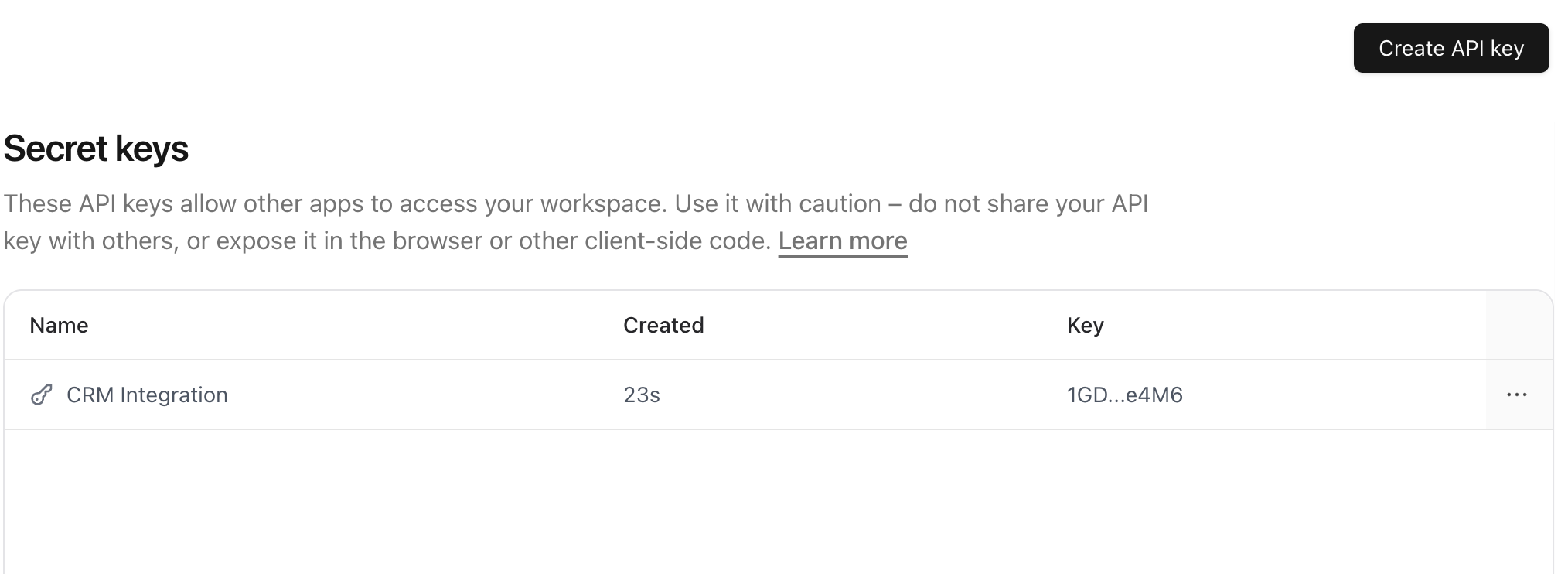 To create a new API key, click on the **Create API Key** button. This will open a modal where you can enter the name of the API key. Once you have entered the information, click on the **Create API Key** button to create the API key.
This will generate a new API key that you can use to authenticate your requests to the API. You can copy the API key and use it in your application.
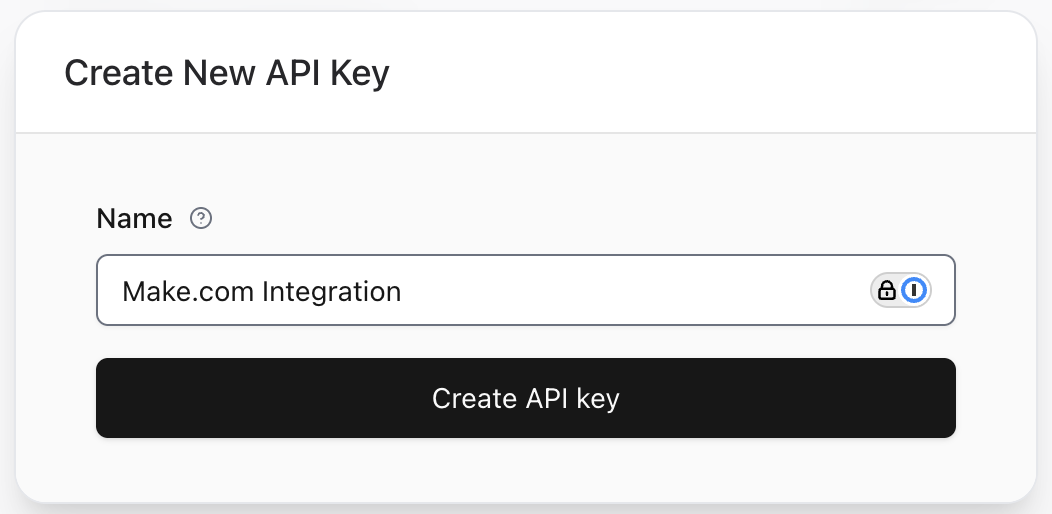
To create a new API key, click on the **Create API Key** button. This will open a modal where you can enter the name of the API key. Once you have entered the information, click on the **Create API Key** button to create the API key.
This will generate a new API key that you can use to authenticate your requests to the API. You can copy the API key and use it in your application.
 You can also delete an API key by clicking on the **Delete** button next to the API key you want to delete. This will remove the API key from your account and it will no longer be valid for authentication.
