

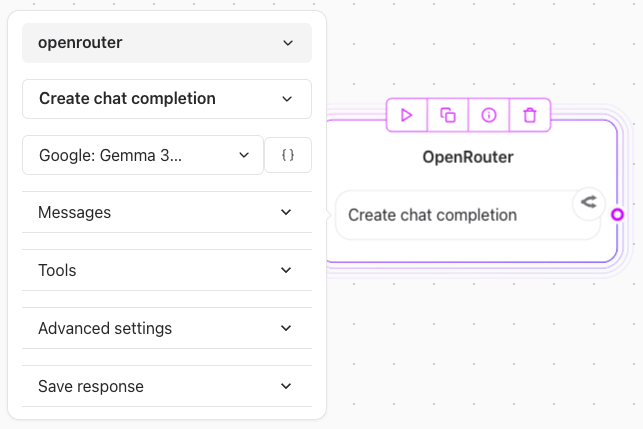
1. Configuring OpenRouter element
- Open an account with OpenRouter
- Navigate to the API Keys section and click on create a new API key
- Copy the API key and paste it in the OpenRouter element
Steps:
- Select Model: For example you can use a free model like
Google Gemma 3. - Provide Messages:
- Create a variable for storing chat history (e.g.,
Chat history). - Append user and assistant messages sequentially to ensure conversational context.
- Create a variable for storing chat history (e.g.,
Example Chat Flow:
- User Input:
{{User Message}}(Captured via a “user input text” element). - Assistant Reply:
{{Assistant Message}}(Generated by the OpenRouter element).
- Define the variable for appending the assistant response (
Append {{Assistant Message}} in Chat history).