

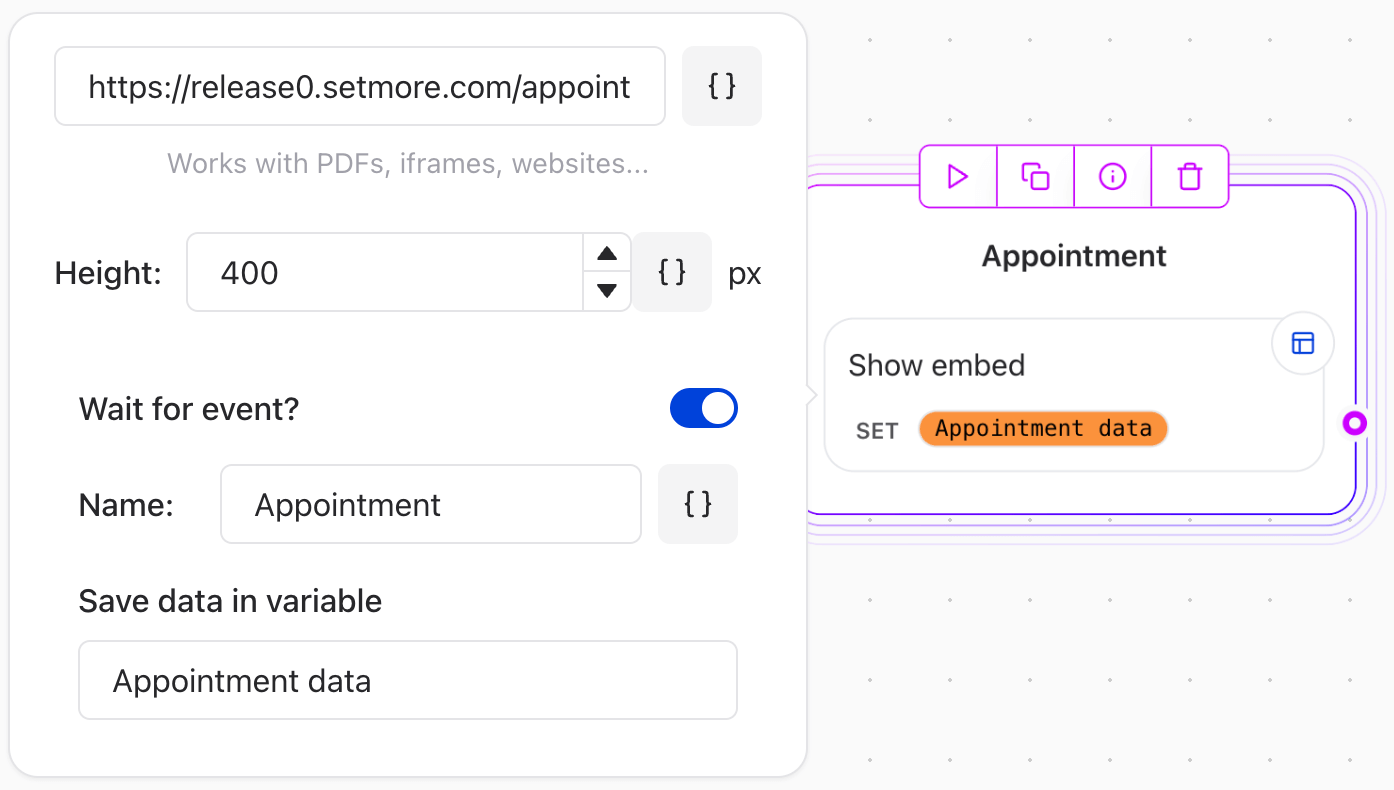
Key Features
-
Embed Websites and Videos:
Paste a URL (e.g., YouTube, Vimeo, mp4, or other embeddable content).
Note: Some websites may not allow embedding. If you see a blank space, the website likely prohibits embedding. -
Embed PDFs from Google Drive:
Select the PDF file on Google Drive.
Right-click > Preview > More actions > Open in a new window.
Click More actions > Embed item.
Copy the embed code and paste it into the Embed Agent Dialog element configuration. -
Wait for Event:
Use this option if you own the website being embedded and want to continue the agent flow only after a specific event is dispatched from the embedded content. To send an event from the embedded website to the bot: