

Supported Video Services
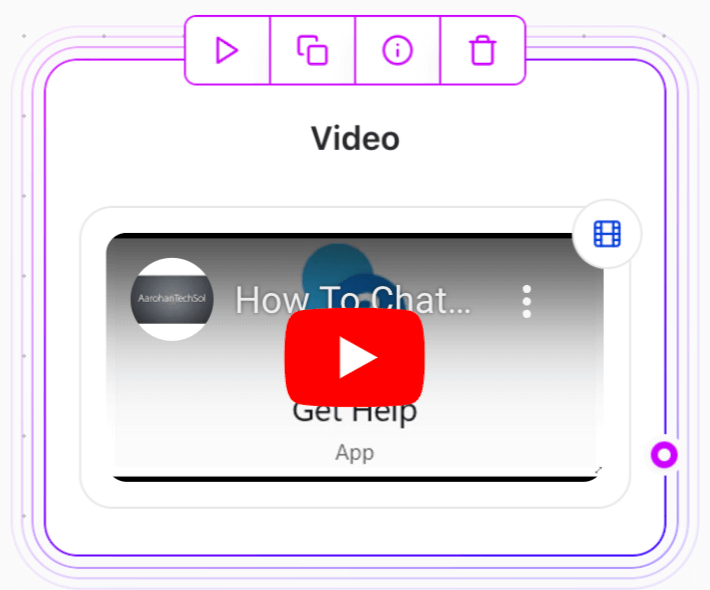
When you paste a video URL, the system automatically detects the service and adjusts the iframe settings. Supported platforms include:- YouTube (videos and shorts)
- Vimeo
- TikTok
- Gumlet
- OneDrive
Missing Services
If the video platform is not supported, you can use the Embed content Agent Dialog element and paste the iframe code manually.Limitation: YouTube Clips
YouTube clips are not supported because the platform cannot automatically transform the clip URL into an embeddable format. To embed a YouTube clip:- Go to YouTube and click Share > Embed.
- Copy the iframe code.
- Use the Embed Agent Dialog element to paste the iframe code.
Adding a Video with a URL
- Copy the video URL from a supported platform.
- Paste it into the Video Agent Dialog element.
- The system will handle the embedding automatically.
Adding a Video with the Embed Agent Dialog element (for unsupported services)
- Obtain the iframe embed code from the video platform.
- Add an Embed content Agent Dialog element.
- Paste the iframe code directly into the element.