Prerequisites
Before integrating Cal.com with Release0, ensure you have:- A Cal.com account with an active scheduling link.
Steps to Integrate
1. Get Your Cal.com Scheduling Link
- Log in to Cal.com.
- Navigate to the event type you want to share.
- Copy the public scheduling link (e.g.,
https://cal.com/yourname/meeting).
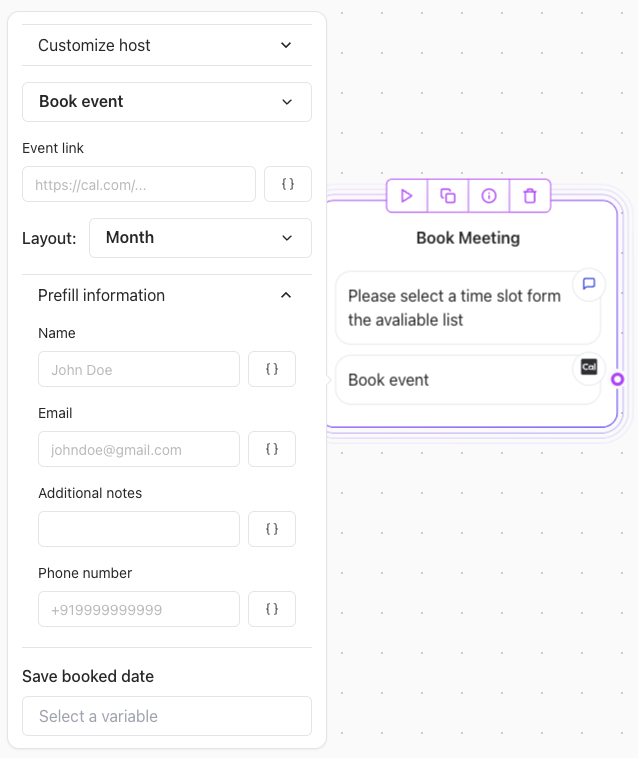
2. Add a Cal.com integration element in Release0
To allow users to book a meeting, use a Button Component: